As noted here, it took about two years too long to move from an Intel Mac to a Mx Mac. Although I really dug my 2017 12” MacBook–yes, the little one with the funky Butterfly keyboard–I should have moved on from it much earlier than I did. The thing is, the reason I didn’t move on, which is unlike previous Mac upgrade situations I’ve experienced, was because of two things–two alternative things. The first?
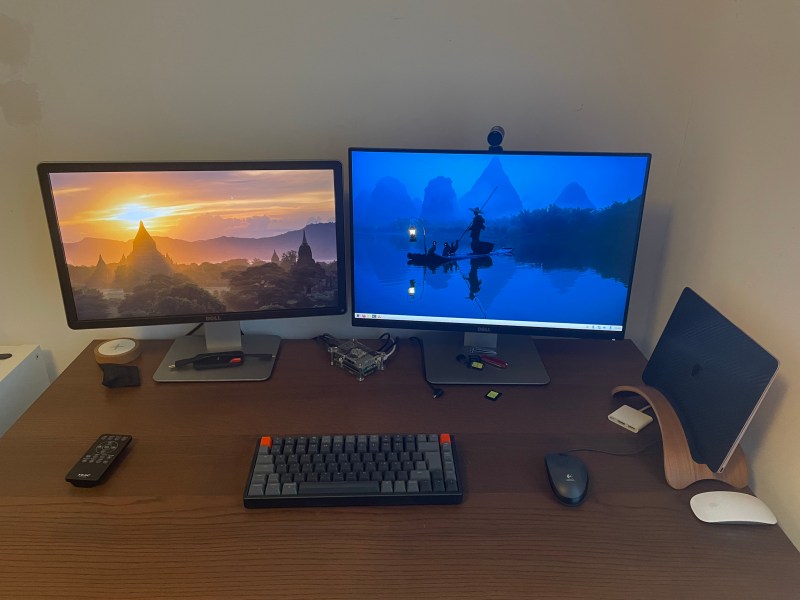
My better-half gifted me a iPad Air 5, the one with the new M1 chip. Although it took a few months to get used to that touch screen–of which I’ve never been a fan–once I hooked it up to an external monitor and then a keyboard and mouse–it pretty much rocked my world. Could an iPad completely replace a Macintosh for me? I’ve been using Macs since the early 1990s. Even though I finally upgraded to a M3 MacBook Air recently, I cannot say unambiguously that in the future I might give up not only Macintosh but laptops. The friggin iPad is that good! But until then…
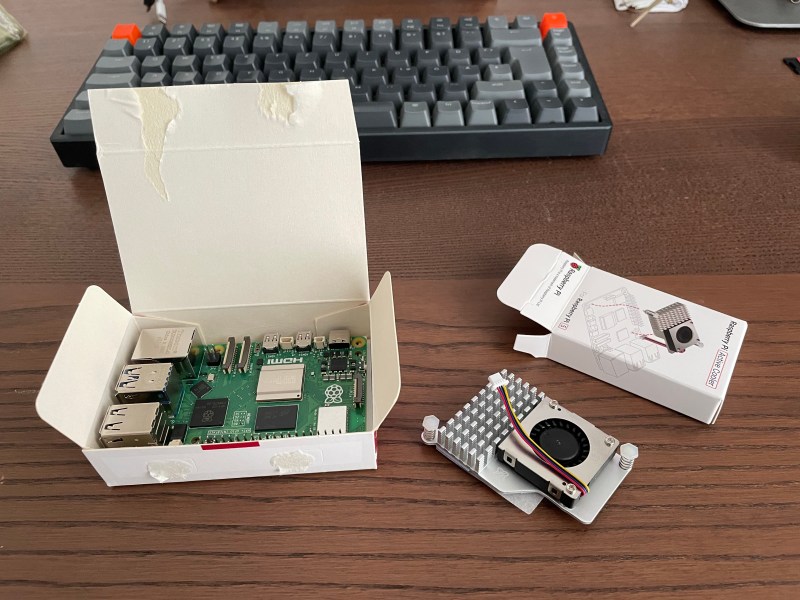
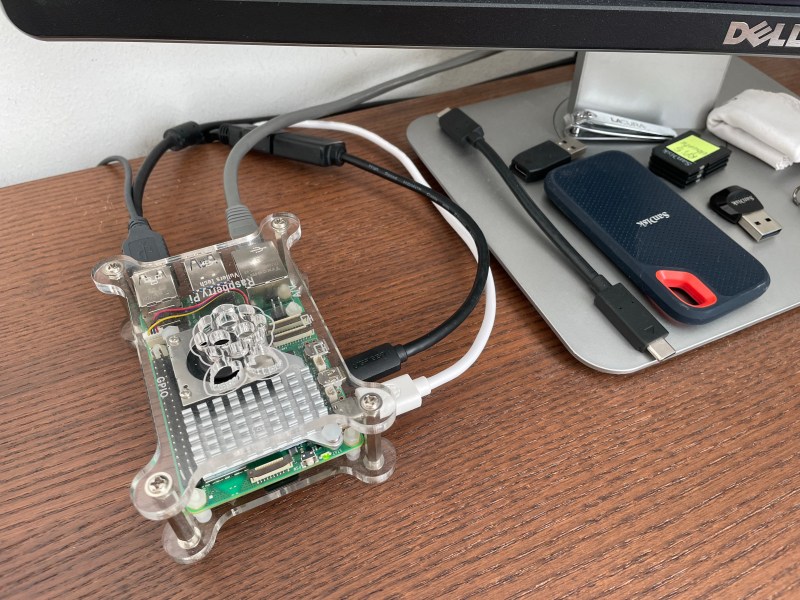
The second thing that proved to be enough of a alternative to postpone upgrading my Mac was/is the Raspberry Pi 5. The thing is, I’ve been using Raspberry Pi’s since version 2 of the hardware was released. Always a linux fan, a Pi for me was all about practicing that infamous and arduous command line that most graphical interface operating system users love to hate. That lead to me discovering Raspberry Pi as a media server, NAS server and audio player replacement–which meant I could finally get rid of all that heavy and cumbersome stereo and/or AV equipment that I’d been lugging around for most of my adult life. But then something else happened. After long delays due to Covid, I finally got my hands on the 5th generation Raspberry Pi. Even though the 4th generation Pi was great, the 5th gen really shattered the ceiling for using this little credit card sized hardware board as a desktop PC. The Pi 5 worked so well that, combined with my fancy new iPad Air, switching the monitor and keyboard between the two, I didn’t need Macintosh— at least while I wasn’t ready to afford a new one. With that in mind. Let the fact that I finally upgraded my Mac not take away from having found a seriously viable alternative for my personal computing needs.
Whether running Ubuntu, MX-Linux or the standard Raspberry Pi OS, the Pi 5 is the bomb as a desktop device. This is especially true when one considers the cost of a new Mac. I ended up mostly using MX-Linux as my desktop Pi OS and with it connected via a very long USB-A stereo cable to my stereo amplifier in my office, wired into my home network and server via gigabyte ethernet and using an old wired USB-A mouse, it was every bit as good as my ageing 12” 2017 MacBook–even though it was horrendously inelegant. In fact, the only time I used my old MacBook was to type a few blog posts here or there on account it’s kinda of rough weening myself of writing on a Mac. But I can imagine that the weening will eventually happen–it feels almost inevitable.
The Pi 5 is definitely an alternative desktop for anyone looking to save money but not compromise performance. Whether viewing movies and tv via my network media server or watching YouTube, the Pi 5 performed way better than my old Mac. It didn’t out perform my iPad Air 5 though. But that’s neither here nor there on account the Pi 5 has no business being compared to anything considered mobile.
Rant on.
-T
 wurstwriter